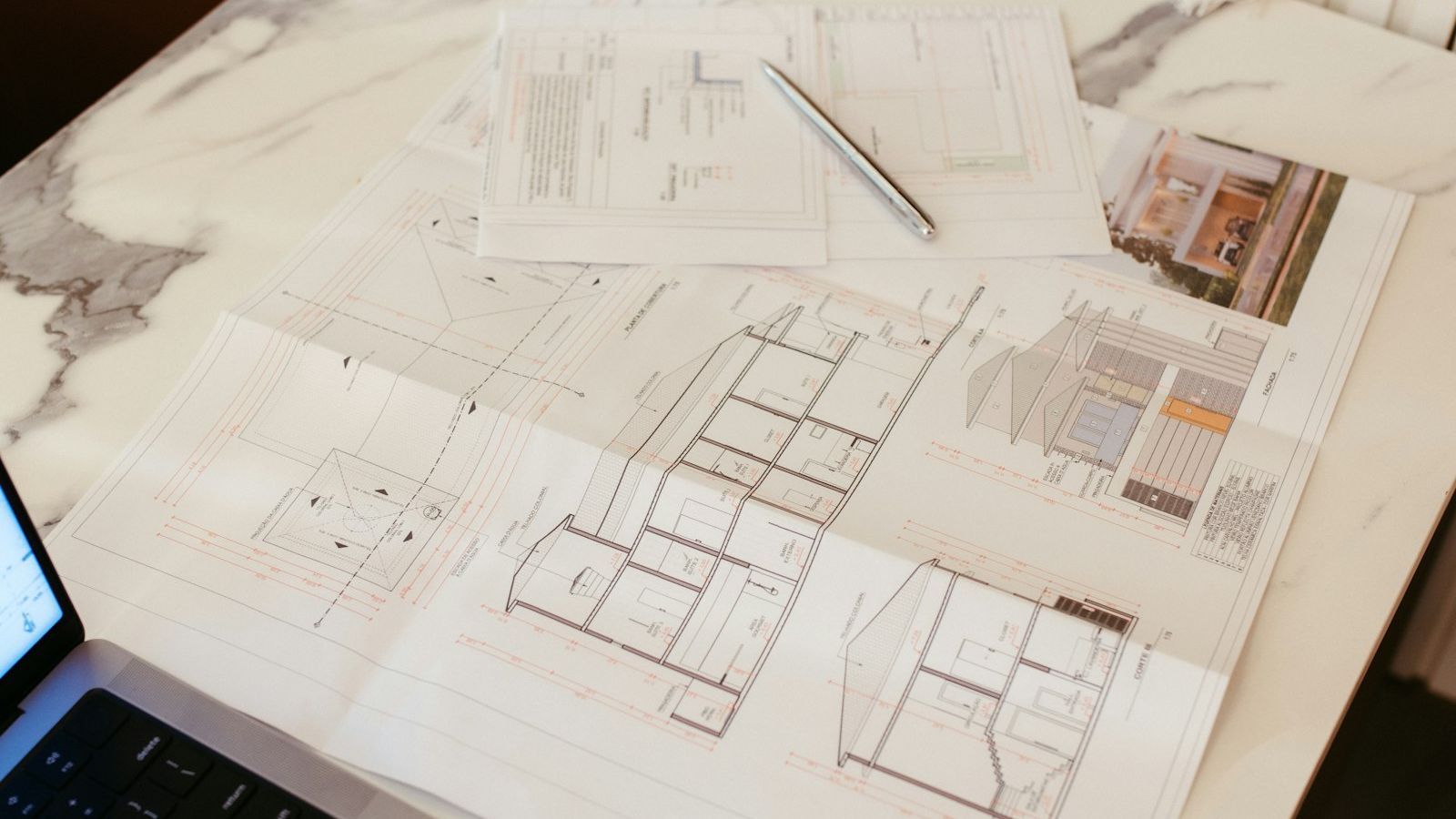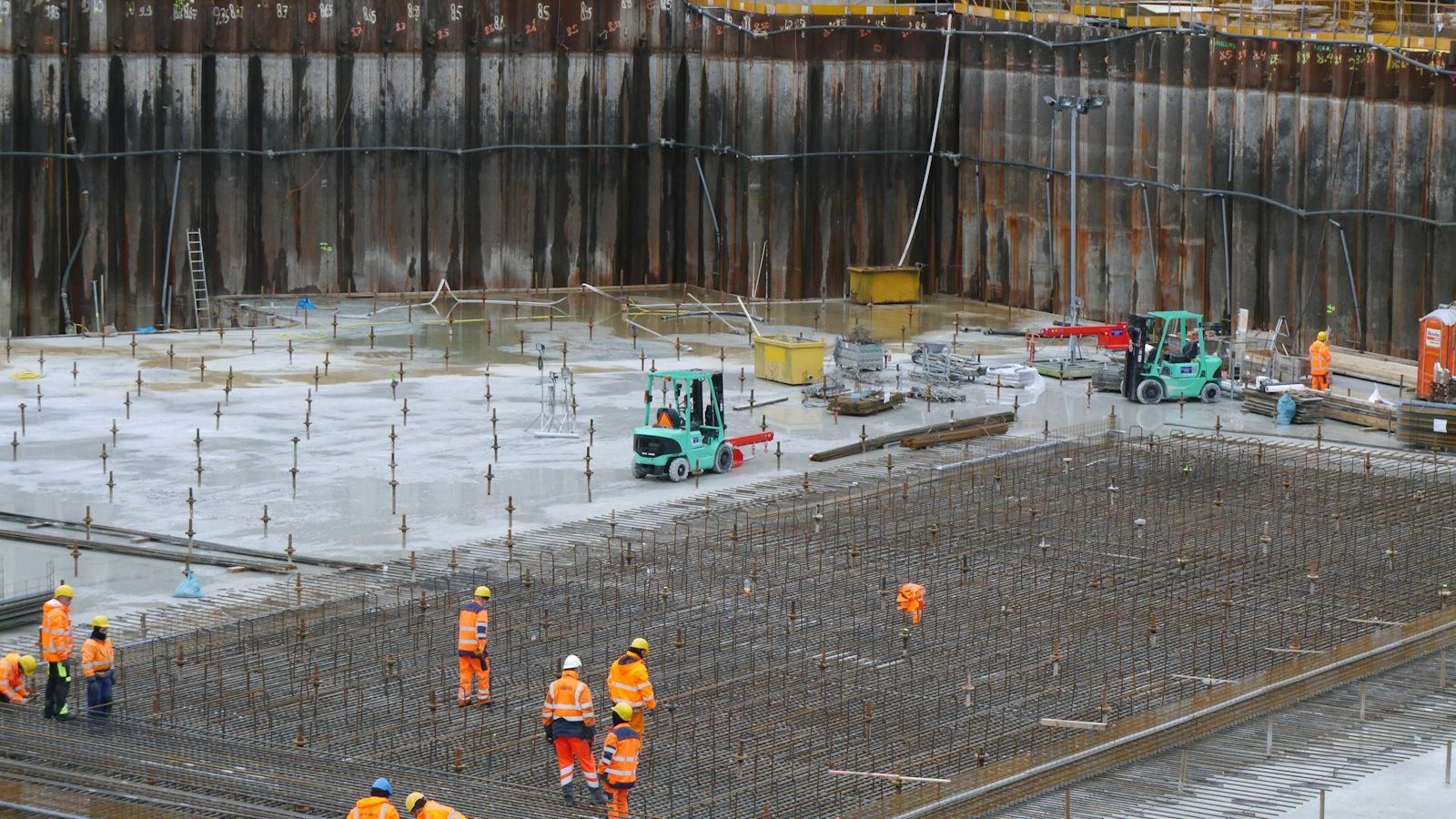

LOD tells everyone on a project how far they can rely on each element of a BIM model. Asking for "LOD 400" without knowing what it means can cost weeks of modelling that nobody uses. Asking for too little can leave the contractor guessing.
Where LOD comes from
The American Institute of Architects defined five levels, LOD 100 to LOD 500, in its first BIM contract document, AIA E202, in 2008. Practitioners soon found the definitions were read in different ways.
BIMForum, a multidisciplinary group of BIM users, then published the Level of Development Specification. It added context to LOD 100 to 400 and created a new level, LOD 350, for trade coordination. Its committee put LOD 500 on hold, because that level is about verified information rather than modelling.
Development, not detail
LOD stands for Level of Development: how reliable an element's size, position and information are. It is not the same as how detailed it looks. A beautifully modelled door family is still only LOD 200 if its size is a placeholder that will change.
The levels at a glance
| LOD | What the element is | Typical use |
|---|---|---|
| 100 | A symbol or generic placeholder showing that something exists | Concept, massing, early cost per m² |
| 200 | A generic system or object with approximate quantity, size, shape, location and orientation | Schematic design |
| 300 | A specific system or object, with quantity, size, shape, location and orientation you can measure from the model | Design development, permit drawings, quantities |
| 350 | As LOD 300, plus the interfaces with other building systems | Coordination between structure, architecture and services |
| 400 | Detailed enough to fabricate and install, with assembly information | Shop drawings, steel and façade fabrication |
| 500 | A field-verified representation of what was actually built | As-built records, facility management |
One column, five levels
Follow a single reinforced concrete column through a project:
- LOD 200: a 400 × 400 mm box on the grid, size to be confirmed.
- LOD 300: the engineer's final 450 × 600 mm section at the right grid point and height, with its concrete grade attached.
- LOD 350: the same column, plus the openings and sleeves where ducts and pipes pass nearby, checked for clashes.
- LOD 400: reinforcement modelled bar by bar, with laps and cover, ready for bar bending schedules.
- LOD 500: the column's surveyed as-built position and size, confirmed on site after the pour.
LOD 500 is not "more detailed" than LOD 400. It is verified.
Which LOD should you ask for?
- Permit and tender drawings: LOD 300 for architecture and structure is usually enough to produce drawings and quantities.
- Larger buildings with complex services: LOD 350 where structure and mechanical, electrical and plumbing systems meet, so clashes are found on screen rather than on site.
- Fabricated parts: LOD 400 only for the elements made off site, such as steelwork or curtain walls.
- Buildings you will operate for decades: LOD 500 for the systems your facility team needs to maintain.
Set the LOD per element and per stage in a model element table inside your BIM execution plan. A single LOD for the whole model wastes effort on elements that don't need it.
Frequently asked questions
Is LOD 500 more detailed than LOD 400?
No. LOD 400 is detailed enough to fabricate and install. LOD 500 means the element has been verified against what was actually built.
What is the difference between LOD 300 and LOD 350?
LOD 350 adds the interfaces with other building systems, so the model can be used to coordinate structure, architecture and services.
Who defines the LOD levels?
The AIA introduced LOD 100 to 500 in 2008. BIMForum's Level of Development Specification explains them in detail and added LOD 350.
Does a higher LOD cost more?
Yes. Each step needs more decisions and modelling time, which is why LOD should be set per element and per stage rather than for the whole model.